That “virus” warning is a fake
A pop-up that says your computer is infected and to call a number is a scam, not a real scan. How to close it on a Windows computer, a Mac, an iPhone or an Android phone, and what to do if you already called.


Community Edition
Short, step-by-step help with phones, tablets and computers, three times a week. Each tip has a page to read, and a printable poster with a QR code (a square code you scan with a phone camera) that opens it.
7 tips and growing. Newest first. For subscribers.
A pop-up that says your computer is infected and to call a number is a scam, not a real scan. How to close it on a Windows computer, a Mac, an iPhone or an Android phone, and what to do if you already called.
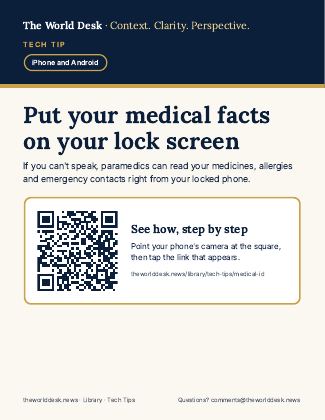
If you're hurt and can't speak, first responders can read your medicines, allergies and emergency contacts from your locked phone. How to set it up on an iPhone or an Android phone, plus Emergency SOS.
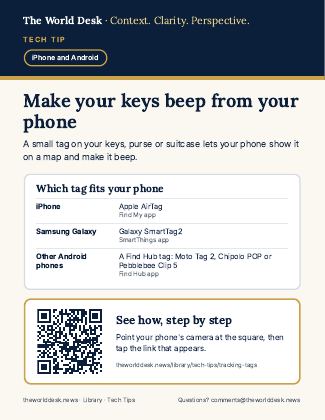
A small tracking tag on your keys, purse or suitcase lets your phone make it beep and show it on a map. Which tag fits your phone, where to buy one, how to set it up, and the alerts that warn you about a stranger's tag.
Pill bottles, menus and thermostats: your phone can zoom in on small print and light it up, on an iPhone or an Android phone.
Too many dings and banners? Turn off alerts from shopping, game and news apps, and keep the ones that matter: Phone, Messages and Calendar.
If the words on your phone look small or faint, two settings fix it in about 30 seconds: make the text bigger and make it bold. No new glasses needed.
Before a concert, a service or a doctor's visit, one or two touches keep your phone quiet, and the same steps turn the sound back on.
Art marked “AI illustration” was made with AI for The World Desk; it is not a photograph.