

Community Edition
Tech Tips
iPhone and Android
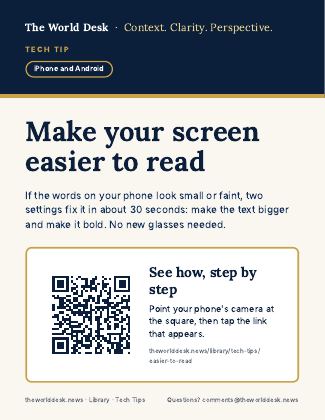
Make your screen easier to read
If the words on your phone look small or faint, two settings fix it in about 30 seconds: make the text bigger and make it bold. No new glasses needed.
Poster and screen graphics
For subscribers to print and show at their community. The poster is undated, and its QR code opens the tip page (subscribers sign in to read it).
- Poster (letter size, PDF) Undated printable poster with a QR code to the tip page. 🔒 Subscribers
- Lobby TV graphic (1920 x 1080) For lobby and hallway TV screens. 🔒 Subscribers
- Resident app graphic (1080 x 1080) For Touchtown and other resident apps. 🔒 Subscribers
- Where to press: iPhone Picture showing where to press on an iPhone. 🔒 Subscribers
- Where to press: Android Picture showing where to press on an Android phone. 🔒 Subscribers
Subscribers: sign in to open them. See subscription pricing.